
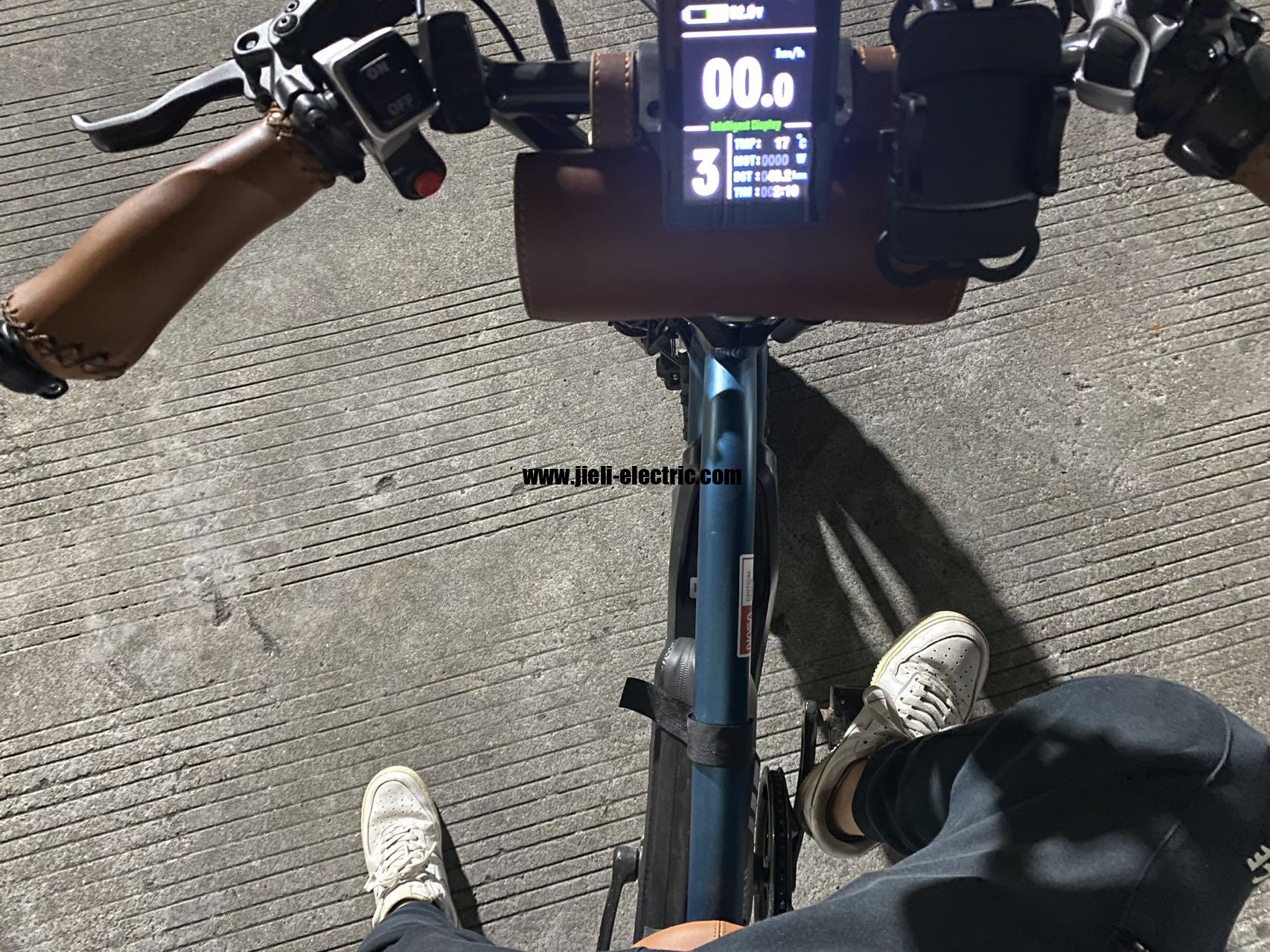
Pedal Assist Not Working? Common Causes and How to Diagnose E-Bike PAS Issues
If your e-bike’s pedal assist cuts out or never engages, the most likely cause is a misaligned or damaged Pedal Assist Sensor (PAS). On Ideawalk e-bikes and many other hub-drive models, the PAS system uses a magnetic disc on the crank arm and a hall-effect sensor mounted to the bottom bracket. A gap that is too wide (>3 mm), a cracked disc, a broken magnet, or a loose connector will stop the motor from receiving pedal‑cadence signals. Start with the three quick checks below—they solve about half of all “no PAS” issues without tools.
Quick Checks Before Diving In
Perform these low-effort checks before removing any covers or unplugging cables:
1. Power cycle the bike – Turn the battery off, wait 15 seconds, then turn it back on. Some controllers need a full reset after a momentary voltage spike or sensor glitch. This also clears stored error codes.
2. Check the display for an error code – Most e‑bike displays show a numeric error for PAS failure. Common codes on Ideawalk and similar systems: E-03 (PAS signal missing), E-05 (throttle/PAS conflict), or 30 (Bafang/KT controllers). If you see one, it points directly to the sensor circuit.
3. Inspect the PAS connector near the bottom bracket – Trace the thin PAS wire from the sensor to the main harness. The connector is often a small 3- or 5‑pin JST. Push it firmly together; look for bent pins, corrosion, or moisture inside the housing. A dab of dielectric grease on the pins can prevent future issues.
If none of these help, move to the ordered fixes below.
Step‑by‑Step Diagnosis (Symptom → Cause)
1. PAS Magnet Disc Misalignment or Damage
Symptom: Assist works only when you pedal hard, at a very low cadence, or it stops completely after a few seconds. Sometimes assist works in one pedal position but not in another.
What to look for:
The PAS disc slides onto the left crank arm (on most bikes) and contains 8–12 small magnets embedded in a plastic or metal ring. Over time it can shift outward, allowing the crank arm to spin without the magnets passing close enough to the sensor.
Check:
- Spin the crank arm slowly by hand. Watch the gap between the disc and the sensor body. It should be 1–3 mm (about the thickness of a credit card).
- If the gap looks fine, remove the crank arm (usually with an 8 mm hex) and examine the disc. Look for cracks, missing magnets, or a disc that spins freely inside its collar.
Fix:
- Gap too wide – Loosen the disc’s set screw, slide the disc so the magnets are directly under the sensor body, then tighten to 4–6 Nm (hand‑tight plus a quarter turn).
- Loose disc spinning on crank – Apply a drop of medium‑strength thread locker to the set screw and re‑tighten. This is a common failure on Ideawalk folding e‑bikes where the crank arm gets knocked during folding.
- Cracked or missing magnets – Replace the disc (available for under $10). The disc is keyed to the crank; ensure you get the correct number of poles (8 or 12) to match your controller.
Evidence/example: A user on an Ideawalk folding bike reported assist cutting out only when pedaling uphill. The disc had shifted 5 mm outward from the sensor; after realigning, assist came back fully.
2. Loose or Corroded Wiring (Intermittent Cut‑Out)
Symptom: Assist comes and goes with bumps, turns of the handlebar, or when you hit a pothole. The display may show “no signal” one moment and work the next.
What to look for:
The PAS wire runs from the sensor along the chainstay, through the bottom bracket area, and up to the controller. It can rub against the frame, get pinched when the bike is folded, or chafe at the controller grommet.
Check:
- Gently wiggle the wire along its full path while pedaling. If assist flickers or the error code appears, you’ve found the break.
- Look for exposed copper, black spots (heat damage), or a wire that is pulled taut when the handlebar is turned full lock.
Fix:
- Minor insulation damage – Wrap with electrical tape and secure with a zip tie to prevent further rubbing.
- Broken wire – Solder and heat‑shrink the repair (use a proper soldering iron, not a lighter). Alternatively, replace the entire PAS sensor assembly ($12–$20) – it’s faster and more reliable than splicing thin gauge wires.
Decision rule: If intermittent cut‑out happens within the first month of use and the bike never folded unreasonably, it’s likely a factory pinched wire; claim warranty.
3. Sensor Air Gap Wrong (Too Wide or Too Narrow)
Symptom: No assist at all, or a grinding/rubbing sound when pedaling.
What to look for:
Even if the disc is aligned, the gap between the disc and the hall sensor may be too large for the sensor to detect the magnets. On some bottom brackets, the sensor mounting bracket can be bent outward from a crash or shipping handling.
Check:
- Use a feeler gauge or a folded business card. Slide it between the disc and the sensor. The card should fit snugly but not be forced. That’s roughly 0.5–1 mm. The allowable gap is 1–3 mm; more than 3 mm will often fail to trigger a signal.
Fix:
- Too wide – Gently bend the sensor bracket toward the disc using needle‑nose pliers. Bend in small increments; retest the gap. Do not exceed the 1 mm minimum.
- Too narrow (less than 0.5 mm) – The disc may rub the sensor, causing noise and eventually damaging the hall‑effect chip. Slightly bend the bracket away from the disc.
Concrete anchor: The hall sensor outputs a 5 V square wave when a magnet passes within 3 mm. Beyond that, the signal drops to zero. A digital multimeter set to DC voltage connected to the sensor signal wire will show 0 V or a constant 5 V (not toggling) if the gap is too large.
4. Controller or Display Settings Issue
Symptom: Everything checks out mechanically, no error codes, but assist never engages.
What to look for:
Some controllers store a “zero assist” setting or a PAS sensitivity that can be accidentally changed. On Ideawalk models with LCD‑3 or SW‑LCD displays, check the P‑settings menu (often P01 = PAS level, P02 = wheel size, etc.).
Check:
- Enter the display settings (hold the up+down buttons or power + mode for 5 seconds). Verify the PAS level is not set to 0.
- Look for a setting like “PAS sensitivity” or “Cadence boost” – set it to maximum or default (usually 5).
- On some controllers, a throttle calibration error can override PAS. If the throttle is stuck open or faulty, the controller may ignore PAS input.
Fix:
- Restore factory defaults: in the display menu, select “Reset” or “Default.” If unsure, remove the battery and disconnect the display for 10 minutes – this clears volatile settings.
- If the problem persists after reset, the controller’s PAS circuit may be damaged. A visual inspection of the controller board (look for burnt components near the PAS connector) can confirm. Replacing a controller costs $30–$80.
When to Stop Troubleshooting
Stop if you have done the following without success:
- Realigned the disc (gap 1–3 mm, disc tight on crank arm).
- Repaired or replaced the PAS wire and connector.
- Bracket bent to correct gap, tested with multimeter (signal toggles 0–5 V when pedaling
Explore This Topic
- Back to Informational
- Back to Intent Optimization
Related guides in this cluster: